Every contact in SpinOffice is either active or inactive. Inactive contacts are, for example, former customers, or contacts you deleted on your phone while contact sync was on. A filter shows them all in one list.
How to filter on inactive contacts
- Go to the Contact List and click Filter contacts at the top.
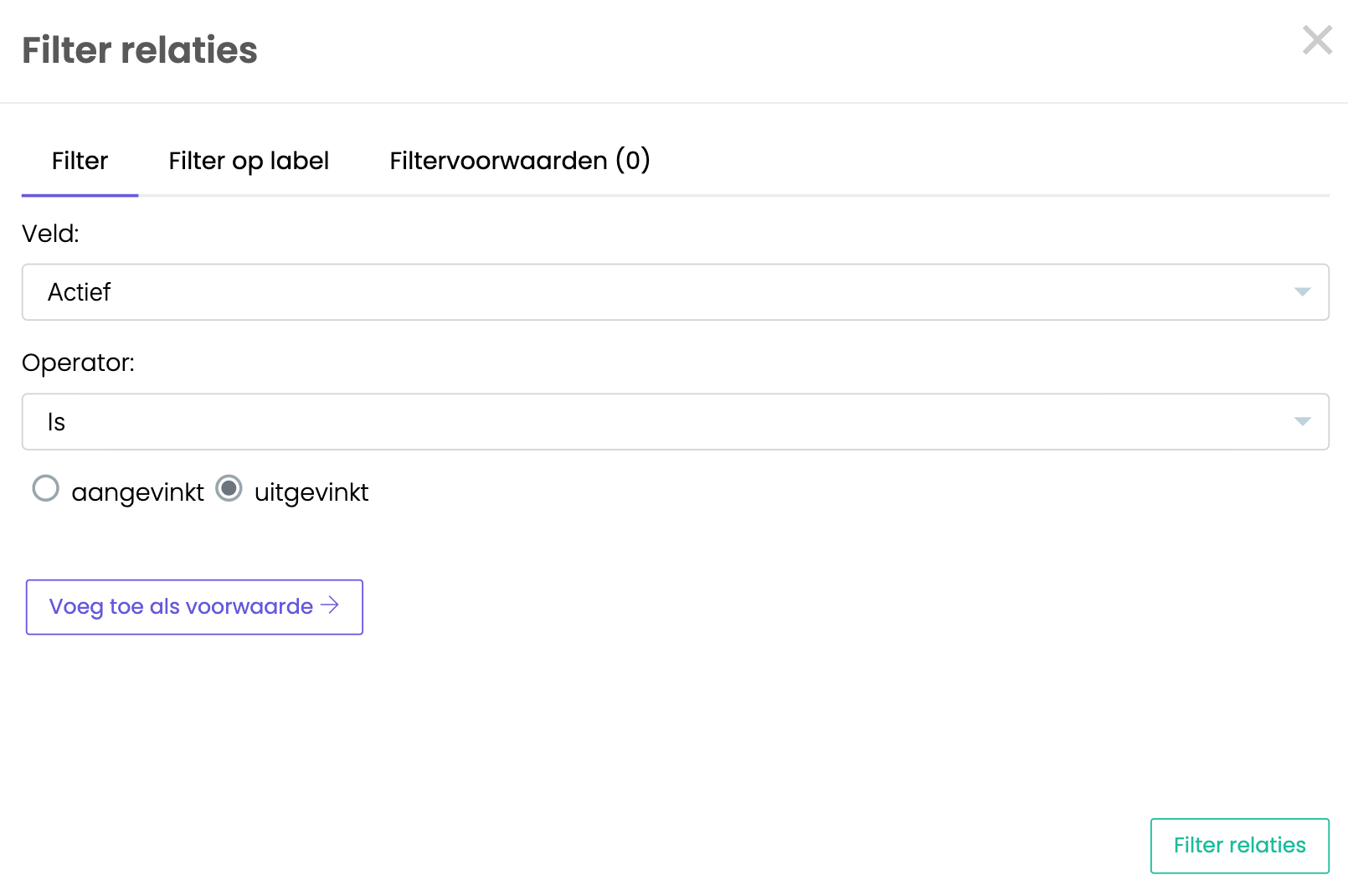
- On the Filter tab, choose Active under Field.
- Choose is under Operator.
- Select unchecked.
- Click Filter contacts.
You now see only your inactive contacts. The number appears at the bottom left. Want to see only active contacts instead? Choose checked in step 4.
What can you do next?
- Reactivate or clean up: click Bulk actions to edit, export or delete all filtered contacts at once. See Bulk actions: editing many contacts at once and Deleting contacts.
- Save the filter: click the floppy disk icon at the top right. You will find the filter again under the green funnel.
- Combine: add a second condition, for example Contact type is Customer, to see only inactive customers.
Tip: check the list before you delete contacts. An inactive contact often still has emails, folders or invoices in its archive.
Read more about filters in Filtering contacts.
Was this article helpful?
That’s Great!
Thank you for your feedback
Sorry! We couldn't be helpful
Thank you for your feedback
Feedback sent
We appreciate your effort and will try to fix the article