Keep track of how much time you spend on a task. Start the timer when you begin and stop it when you're done. The time is saved with the task. Time recording is available in all editions.
Starting and stopping the timer
- Open the Kanban board.
- Click the clock on a task. The timer starts and the task gets a red square.
- Click the red square to stop the timer.
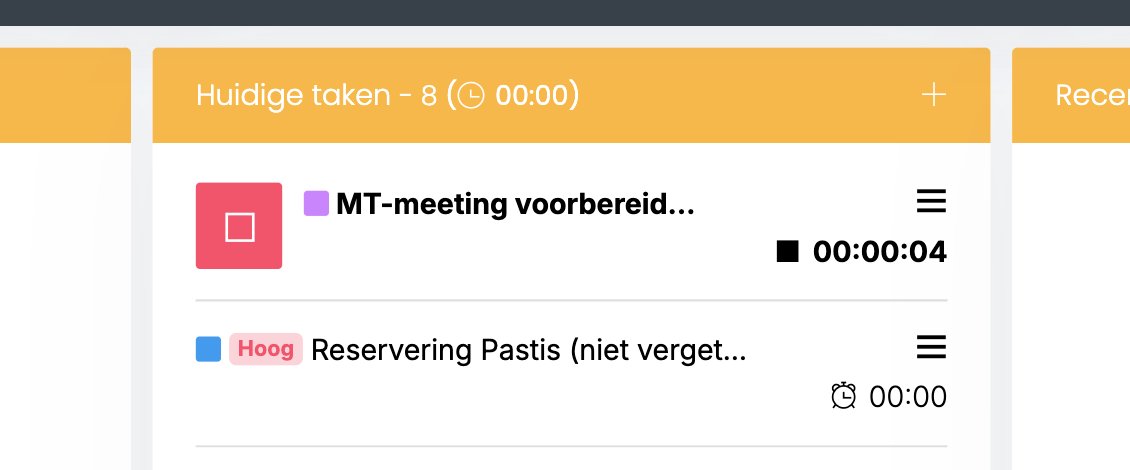
After the column name you see how much time has been recorded in total on the tasks in that column.
Where do you see the recorded time?
You see the recorded time:
- with the task itself;
- with the contact the task belongs to, in the archive on the Time tab;
- in the folder the task is linked to.
You can also record time on a folder itself, separate from a task. Read more: Working in a folder
Read also: The Kanban board
Was this article helpful?
That’s Great!
Thank you for your feedback
Sorry! We couldn't be helpful
Thank you for your feedback
Feedback sent
We appreciate your effort and will try to fix the article