With the SpinOffice API, you connect SpinOffice to other software or to your own applications. For example, to automatically create contacts from your website.
The API is available in all editions and is free of charge.
Creating an API key
- Go to ☰ > Administration > Integrations > My API keys.
- Click + and give the key a description, for example the name of the integration.
- Copy the key and click Save.
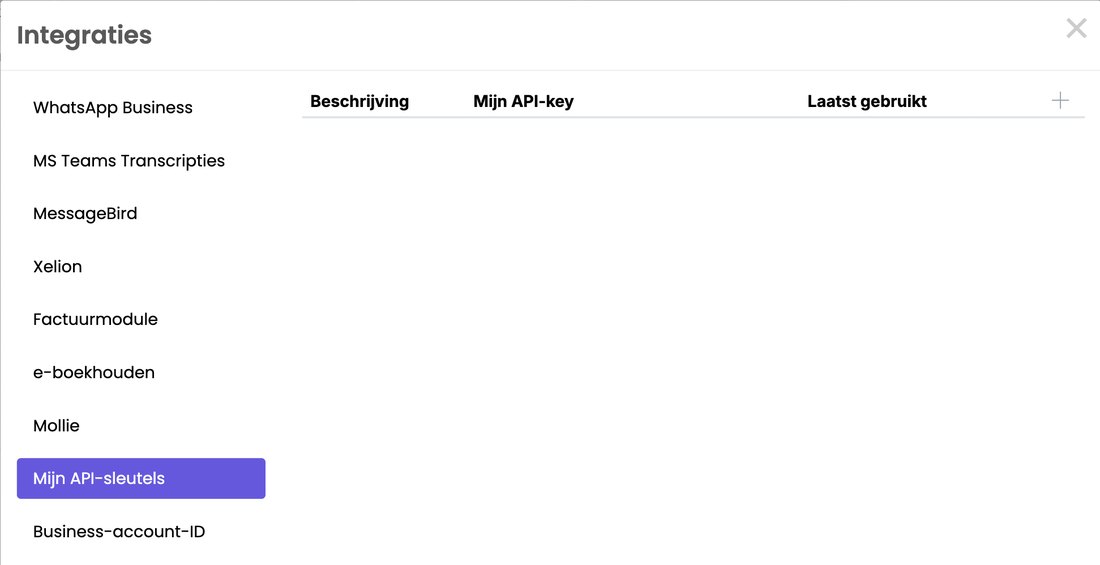
Under Last used you see when a key was last used. That way you can see which integrations are still active.
Please note: treat an API key like a password. Anyone with the key has access to your data. Don't share it by email, and delete keys you no longer use.
Documentation
All the options are in the API documentation.
Want us to build it?
Want us to build an integration for you? We can do that as custom work, at €97.50 per hour (excl. VAT). Send your question to support@spinoffice-crm.com.
Read also: Connecting SpinOffice to Claude. With it, you use SpinOffice in Claude without building anything yourself.
Was this article helpful?
That’s Great!
Thank you for your feedback
Sorry! We couldn't be helpful
Thank you for your feedback
Feedback sent
We appreciate your effort and will try to fix the article