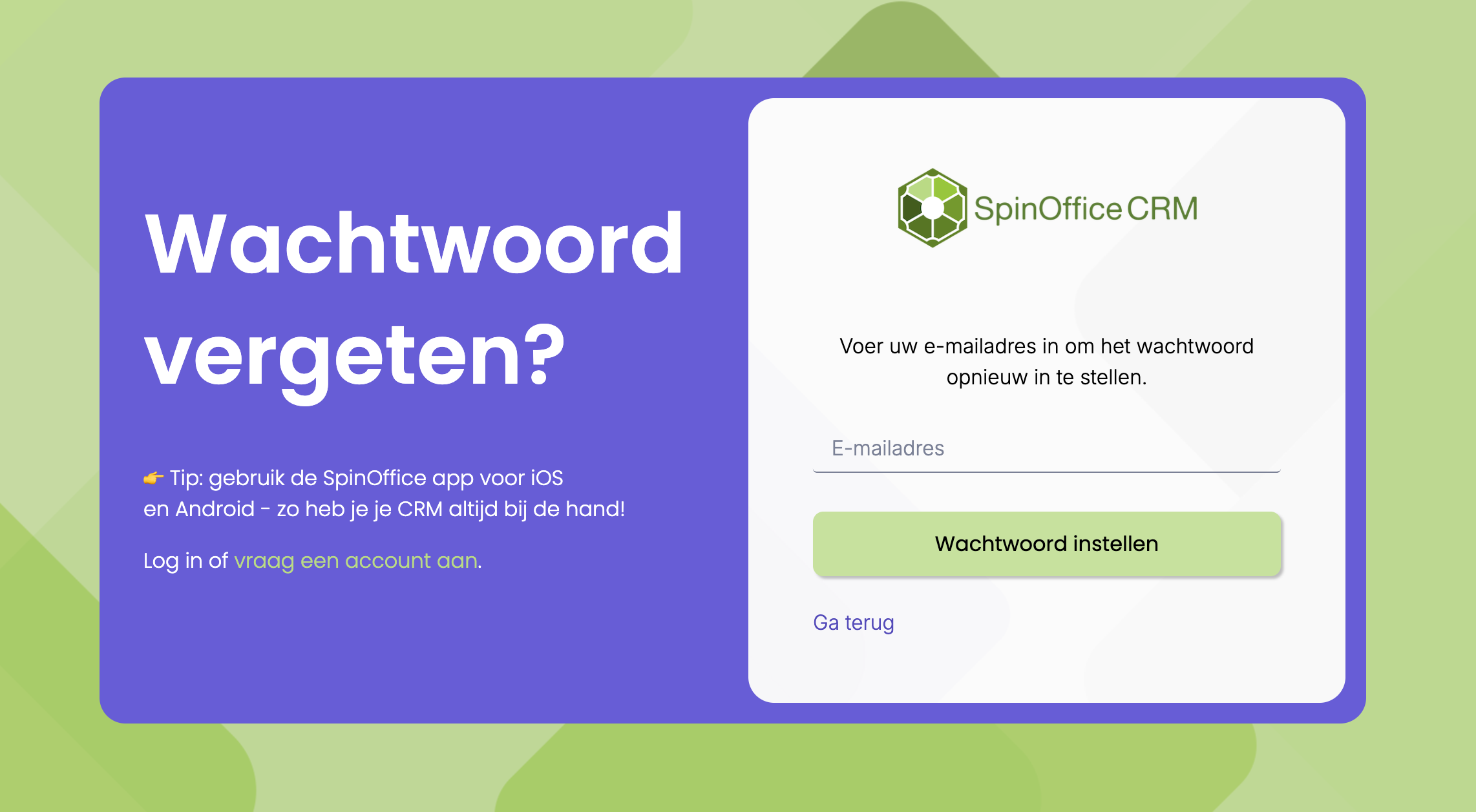
- On the login screen, click Forgot password?
- Enter the email address you log in with.
- You receive an email with a link. Click it and choose a new password.
Can't see the email? Check your junk mail folder.
You can't read the email
Do you only read your email in SpinOffice? Then you can't open the reset email, because you're not logged in. Does a colleague have access to your mailbox, in SpinOffice or with your email provider? Ask them to open the link for you. If that doesn't work, contact us at support@spinoffice-crm.com or +31 70 311 5403.
Was this article helpful?
That’s Great!
Thank you for your feedback
Sorry! We couldn't be helpful
Thank you for your feedback
Feedback sent
We appreciate your effort and will try to fix the article